Web Form Builder
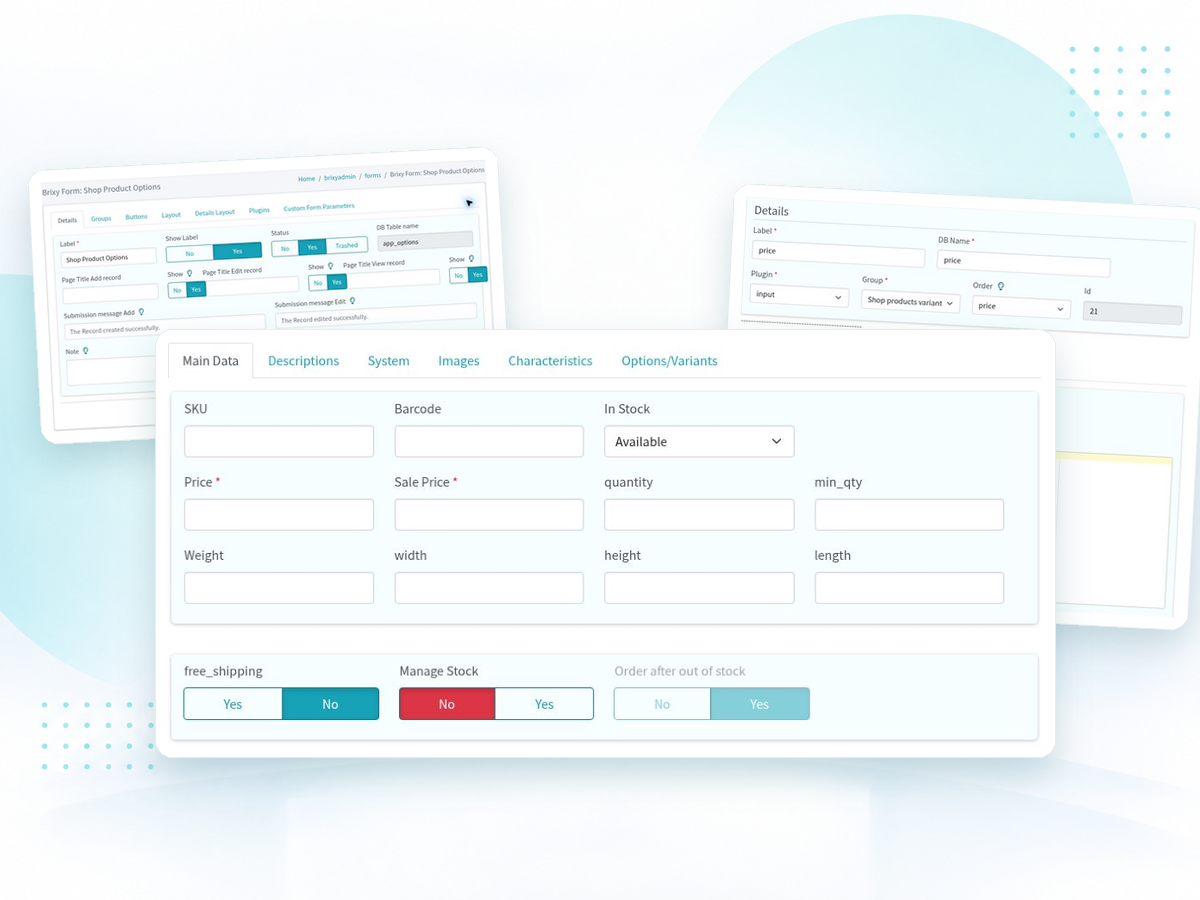
Create forms with custom fields, grouped inputs and validation rules to collect data in your web application.
Fast prototyping tool for web developers and businesses, offering no-code solutions and optional coding
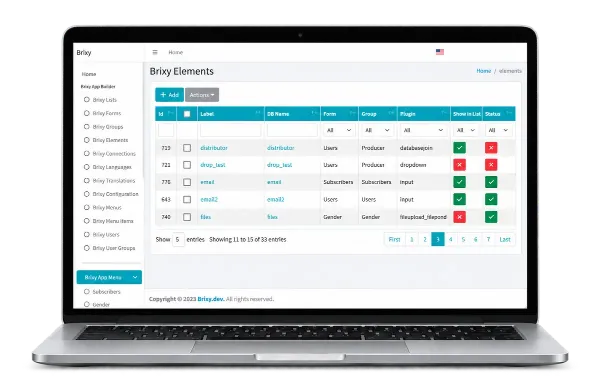
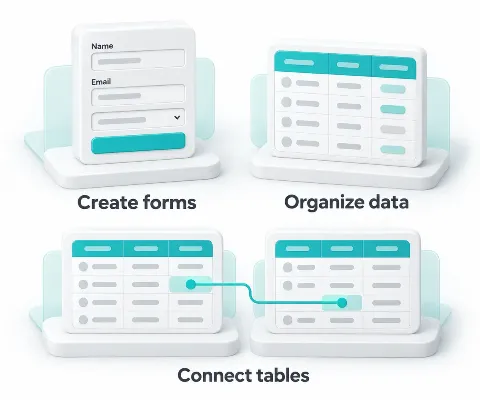
Brixy App Builder is a no-code and low-code tool for creating web applications. Build forms, organize database records and connect related data, with the option to add custom code when needed.
Use Brixy to prototype an idea or build a web application that runs in a browser, such as a data-entry tool or an internal business system. Create the forms and data connections your workflow needs, then refine them as your project develops.
Use Brixy’s no-code and low-code tools to create forms, manage data and prototype applications that run in a web browser.
Create forms with custom fields, grouped inputs and validation rules to collect data in your web application.
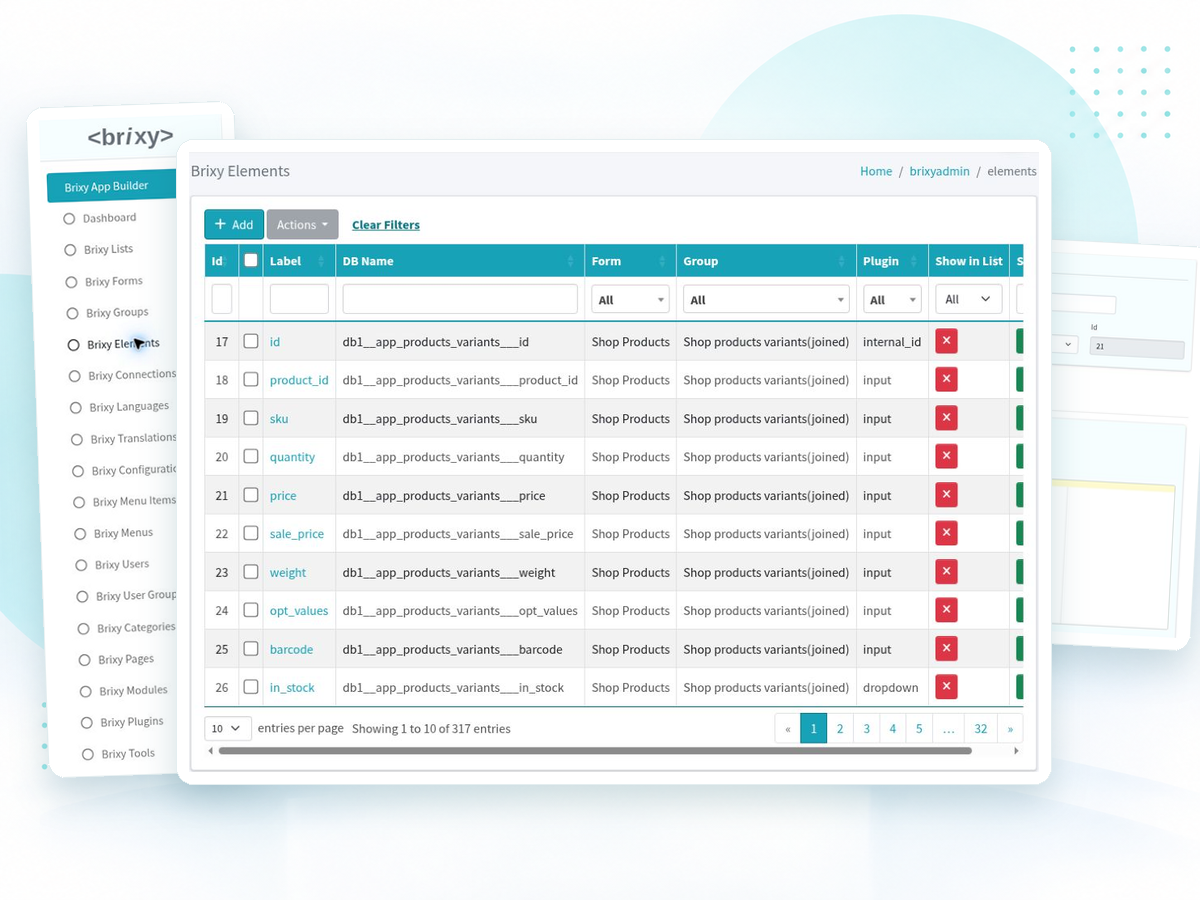
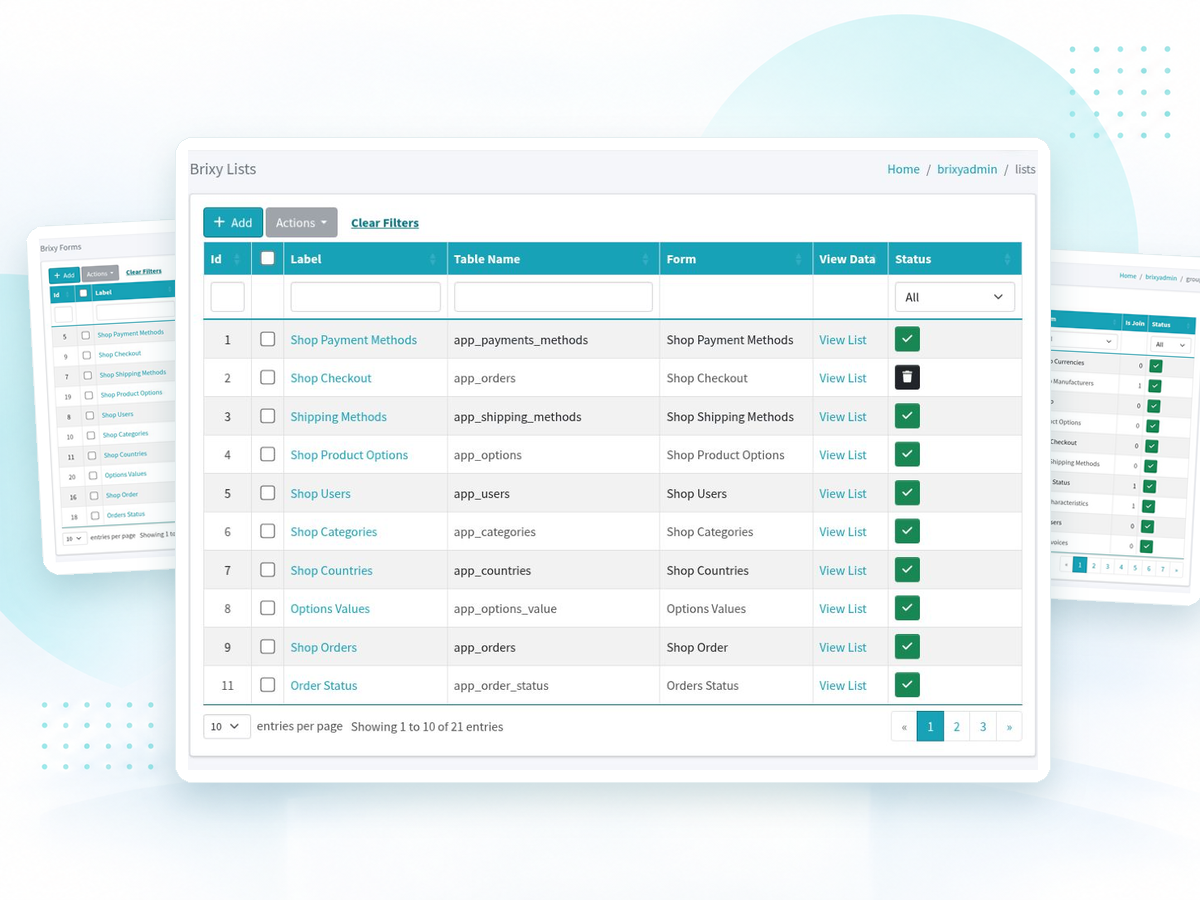
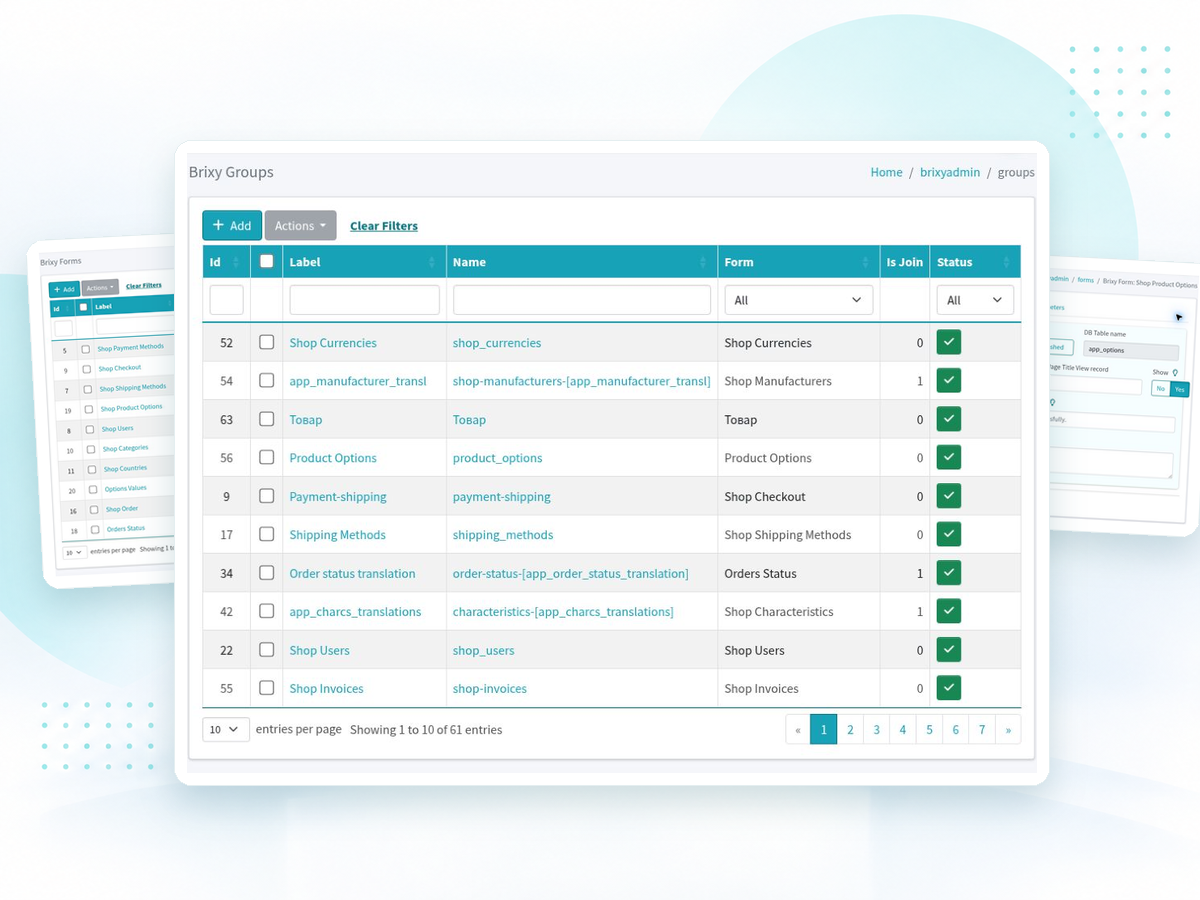
Create and manage database tables, display records in lists and connect related data across your application.
Build a working prototype with forms and connected data. Refine its structure and add custom code when your project needs more flexibility.
Learn what you can build with Brixy, how it works and what you need to get started.
Explore the live demo to see how forms, lists and connected data work together in a web application. Download Brixy when you’re ready to start building your own.
Online platform available 24/7
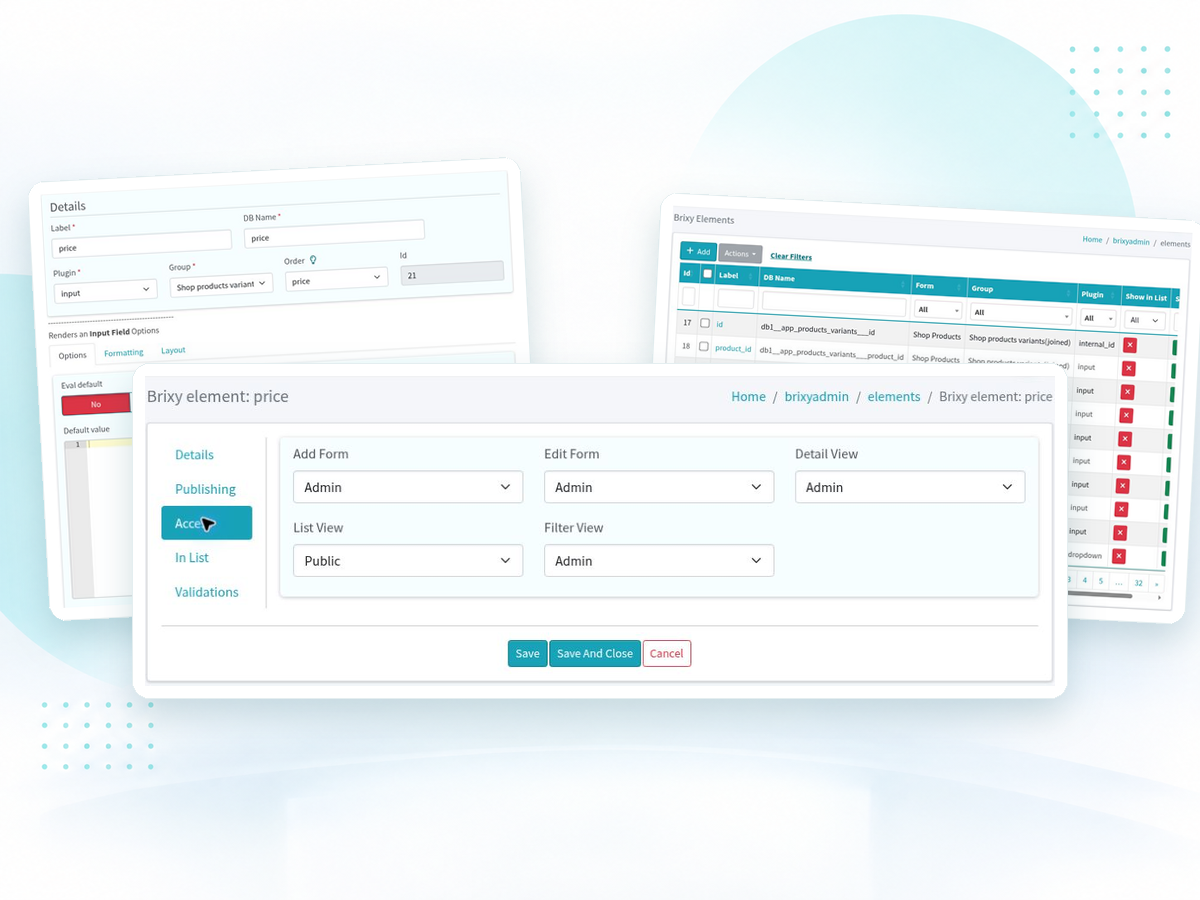
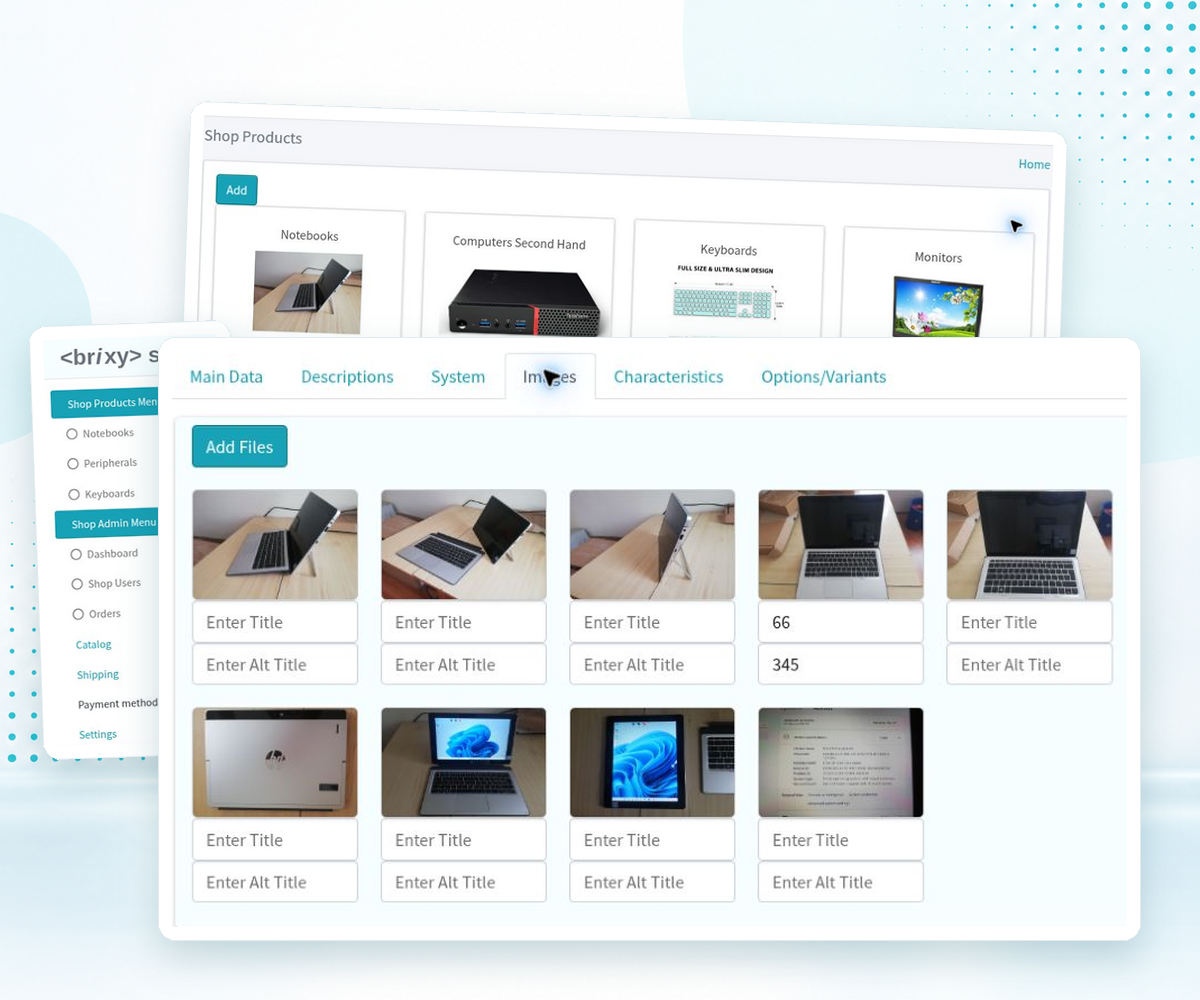
Take a closer look at Brixy’s interface for building web applications - from configuring forms and fields to organizing data, setting access permissions and managing uploaded images.